



Native-level image quality, with high frame rates and low latency for a seamless experience.

Massive high-speed nodes | Stable and continuously available | One-click quick connection
We have more than 10,000 nodes in 184 countries and regions, as well as globally optimized high-speed routes

A global high-speed network built for streaming, with high-speed video channels that unlock global content. From now on, zero buffering.
Download now →Esports-grade network optimization. Say goodbye to high ping and enjoy silky-smooth gameplay.
Native-level image quality, with high frame rates and low latency for a seamless experience.

Balancing higher image quality, higher frame rates, and a stable connection experience.
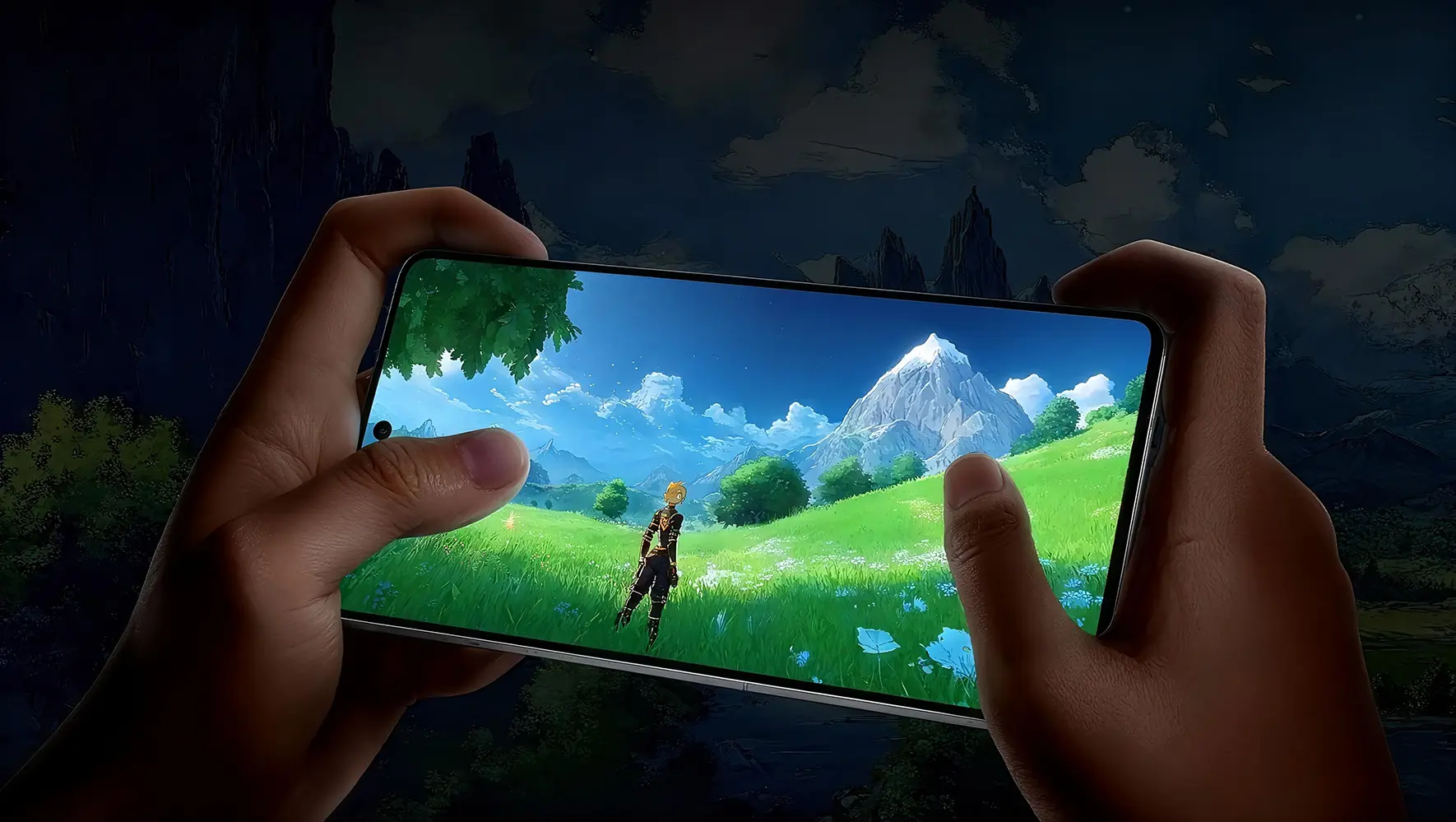
Lasting smoothness and delicate stability, adapted to different gaming platforms.
Smart connection, device switching, and privacy settings make common functions clear at a glance.

Choose a more suitable connection method based on the current environment to reduce repeated setup.

Covers common device platforms such as computers, phones, and tablets.

Protects everyday connection processes with clear security mechanisms.

Focuses on common steps so new users can get started quickly.

Provides a continuous, clear user experience across different network environments.
Start quickly with intelligent route selection and one-tap connection; when you need to switch devices, simply choose the corresponding client.
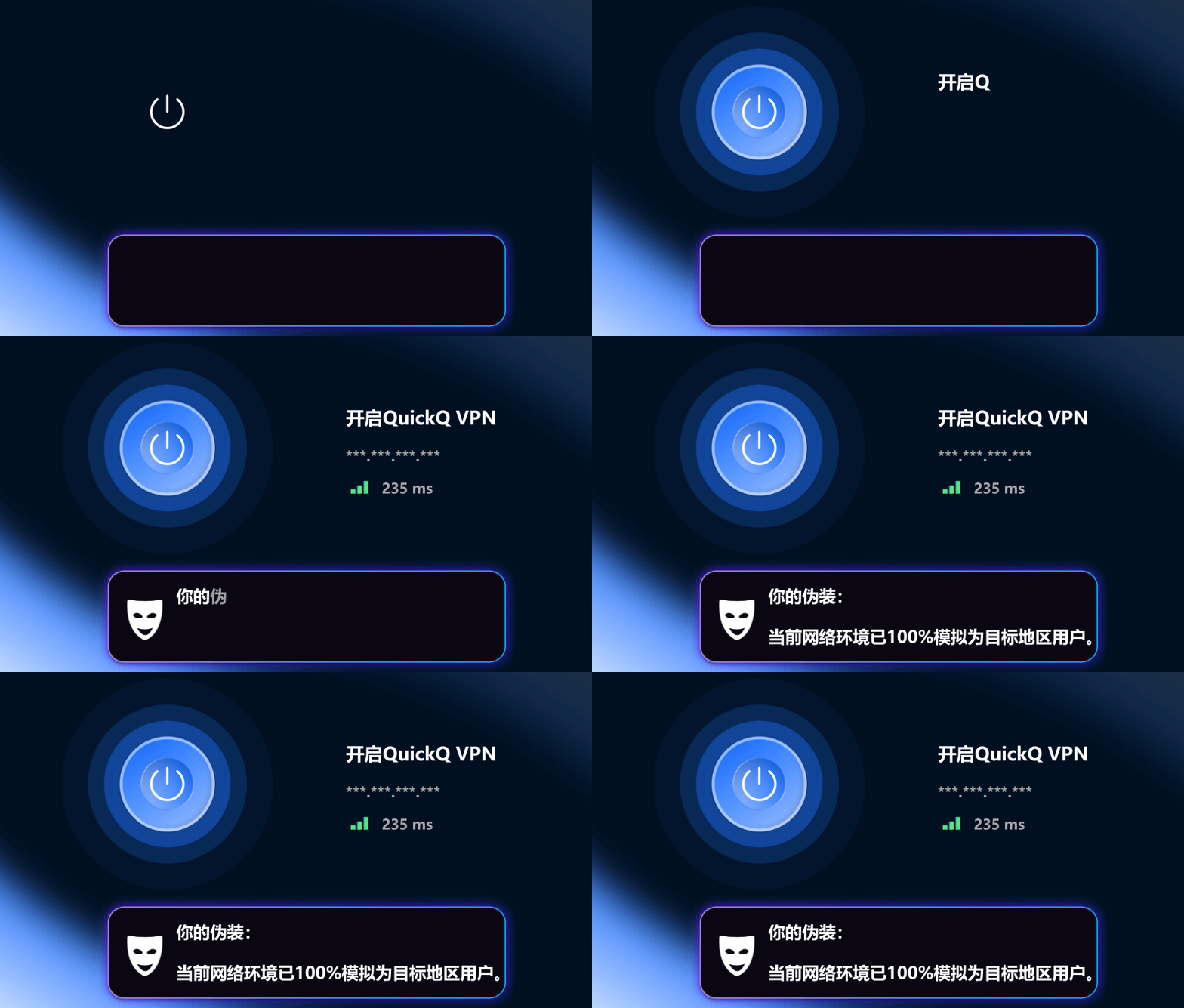
Enjoy a familiar connection experience on computers, phones, and tablets by selecting the client that matches your device system.
Frequently asked questions about device selection, downloading, installation, and getting started.
Supports common platforms such as Windows, Android, iOS, macOS, and Linux. Please choose the version suitable for your device.
Open the downloaded installation package and follow the wizard. For mobile devices, install according to the system prompts.
Open the client, complete the initial setup according to the app prompts, select a server, and you can connect.
Go to the download center on this site and select the version that matches your current device's operating system.
Go to the download center and select the client and installation entry according to your device's operating system.
Open Download CenterQuickQ VPN is designed for users who need a stable connection and simple operation, offering multiple server options, smart acceleration, and privacy protection. No complex setup required—connect quickly after installation, suitable for phones, computers, tablets, and other devices.
Automatically matches the optimal route based on your network environment, reducing manual switching and keeping the connection more stable.
Suitable for watching high-definition videos and accessing popular content platforms, reducing buffering and lag.
Supports common devices such as phones, computers, and tablets. One account lets you switch easily.
Download the installer for your device from the official website, open the app after installation, log in to your account, and click Connect. For first-time use, it is recommended to choose the automatic node, and the system will match a suitable route for you.
QuickQ VPN works to minimize the impact of encryption and node forwarding, and provides a smart acceleration feature. Actual speed may be affected by your local network and the selected node, so it is recommended to prioritize routes with lower latency.


 Windows
 Android
 iPhone / iPad
 macOS
 Linux